CraftBox 3D Getting Started: Build a Finger-Jointed Pencil Case
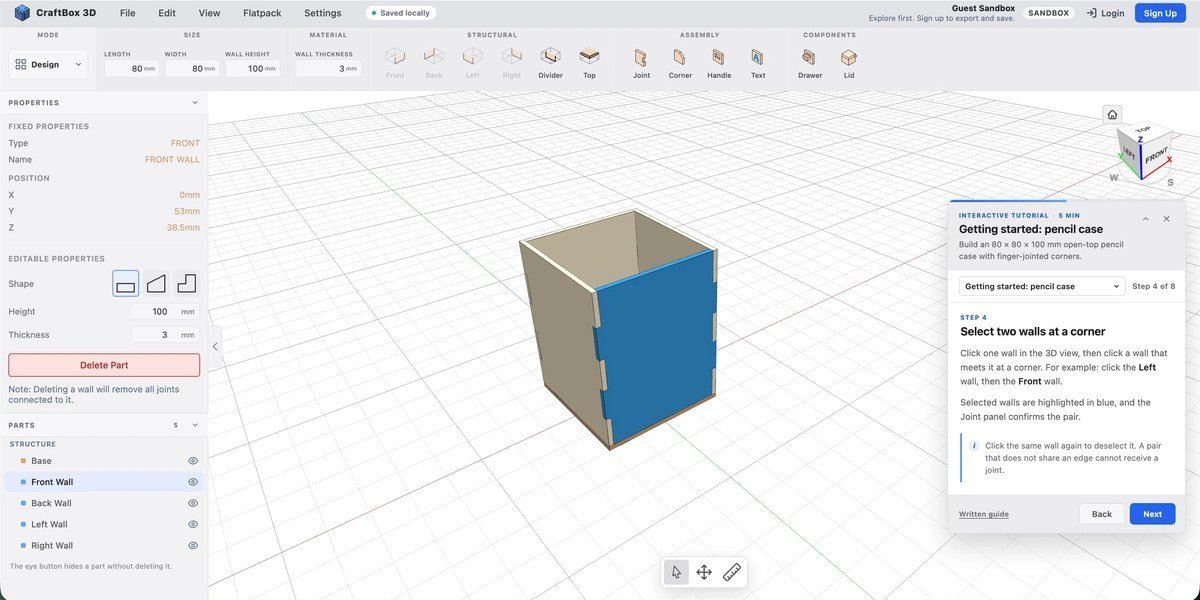
A beginner walkthrough that turns four panels into an 80 × 80 × 100 mm open-top pencil case with finger-jointed corners.
CraftBox 3D · Guides
Practical workflows for makers who would rather cut wood than fight software. Measure your machine, choose the right tool, and start a template or an interactive tutorial in the browser.
A beginner walkthrough that turns four panels into an 80 × 80 × 100 mm open-top pencil case with finger-jointed corners.
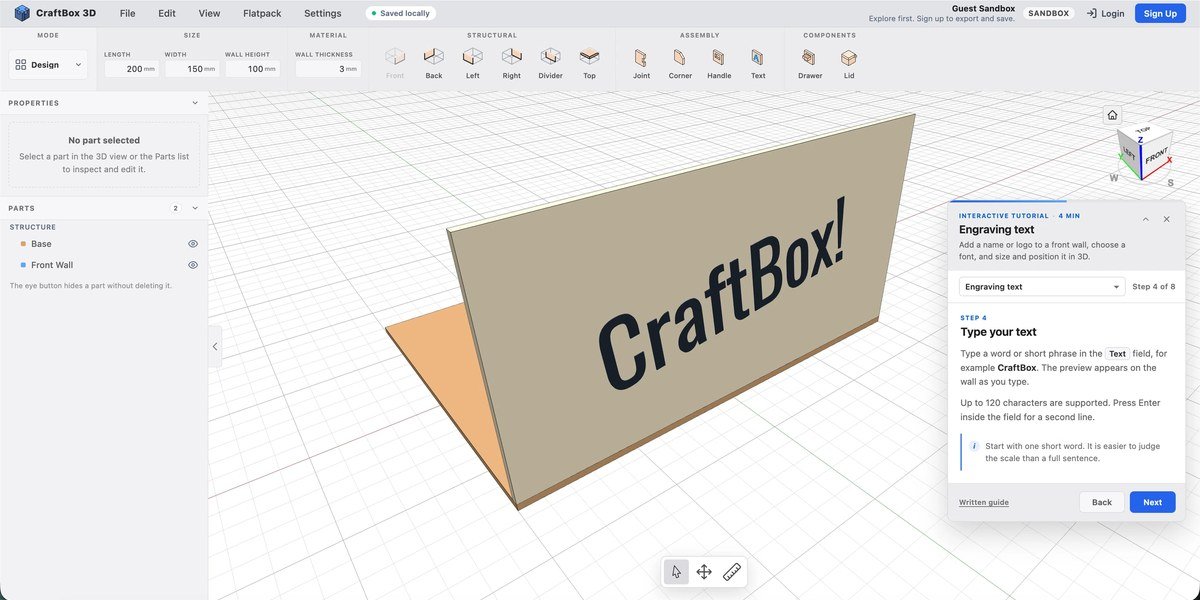
A focused tutorial for adding engraving to a box front wall, from choosing the face to scaling and positioning the final lettering.
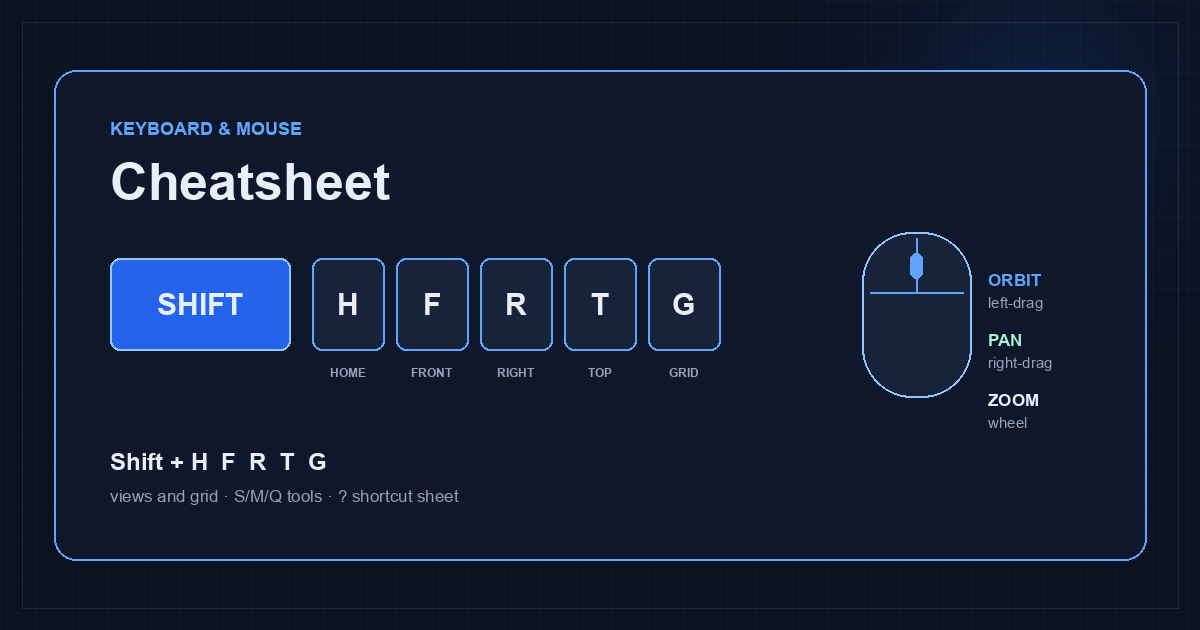
A printable reference for every CraftBox 3D keyboard shortcut and mouse control, including the Shift+letter view shortcuts and 3D navigation gestures.
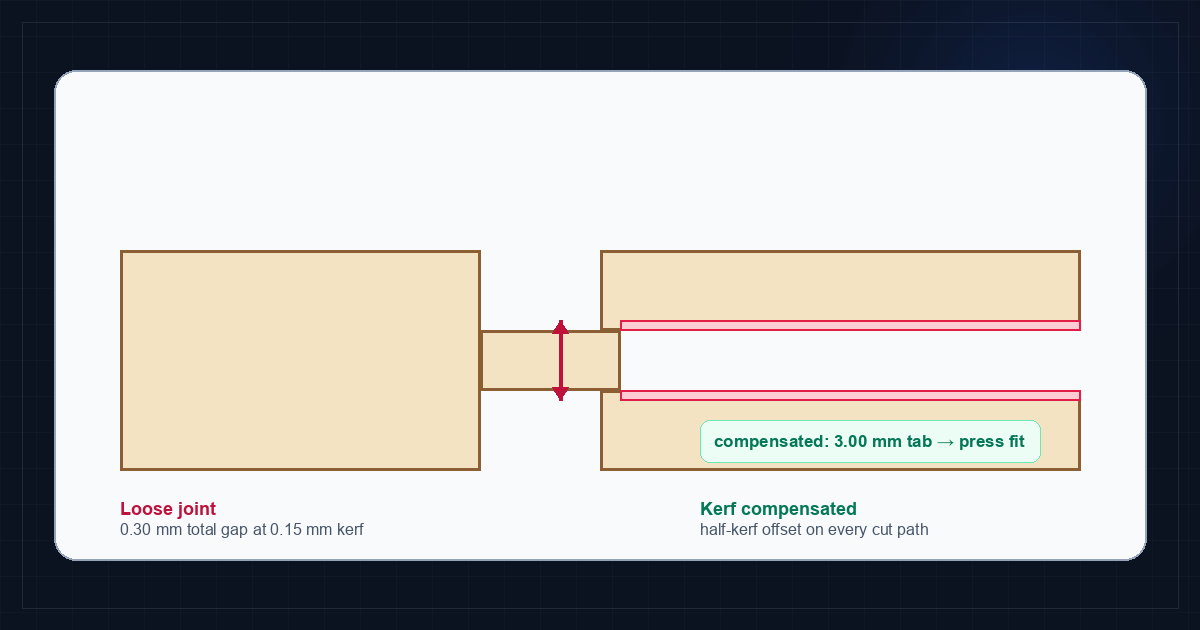
Learn what laser kerf is, measure it in five minutes with the 10-strip method, and turn the number into tight finger joints without manual 2D offsets.
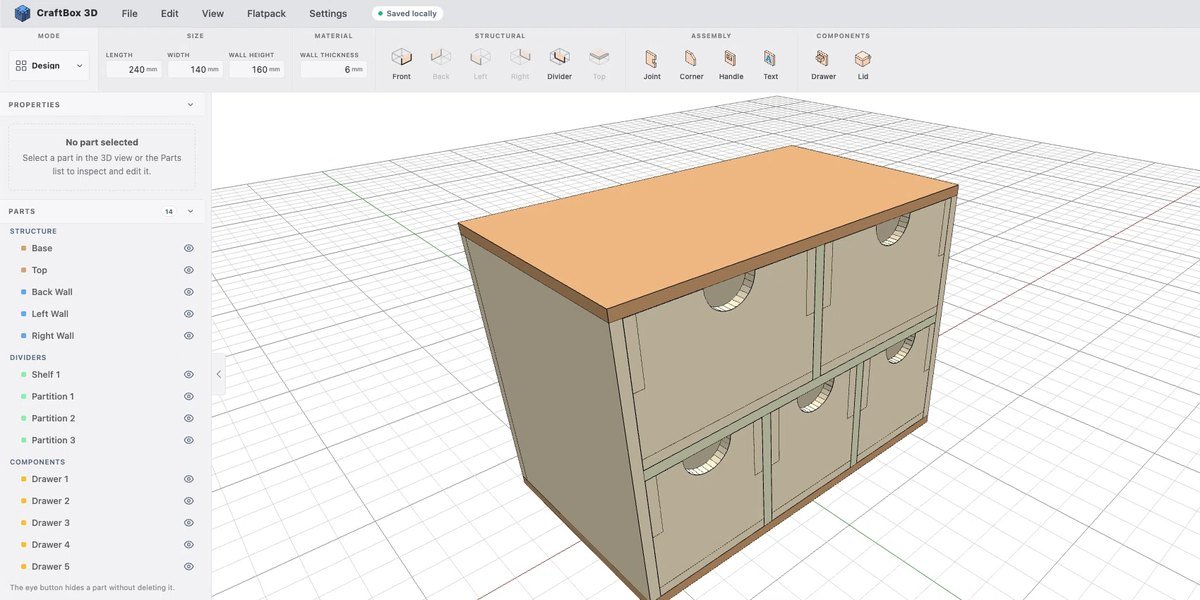
An honest, maker-focused comparison of Fusion 360 alternatives for laser-cut boxes, CNC flat-pack furniture and production-ready SVG/DXF exports.
No guides match those filters yet. Try another topic or skill level — new workflows are added regularly.
Built for making
Kerf formulas, material ranges and export values sit in high-contrast blocks with one-click copy buttons, so a number never gets retyped from a screenshot.
Measure once, then use the embedded 10-strip kerf calculator or download the matching test comb and sample DXF to prove a workflow before you commit.
Every guide deep-links into the 3D workspace with a relevant model already loaded, so the next step is a design decision instead of a blank canvas.